
My web development and design setup and Tools i use
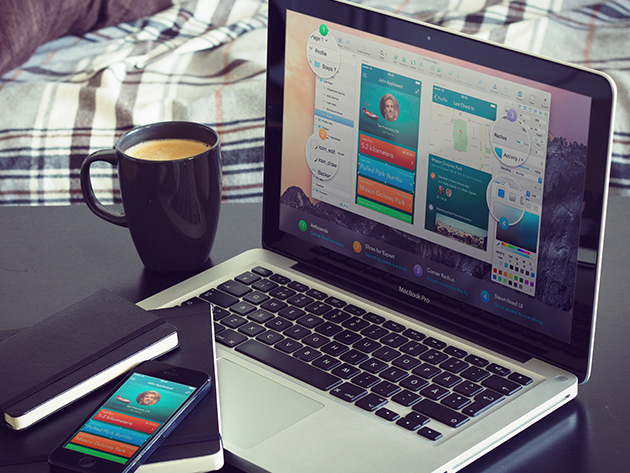
Bonjour ... I have been bit busy with learning French and packing my stuff as i'm moving to Montreal for my Master's degree so i didn't get enough time to write a blog .... But finally i have find some time and i'm here ... Bazinga !!!..
Today i will tell you about my web design / development setup and tools i use.
For Development : I don't develop websites , I develop dreams
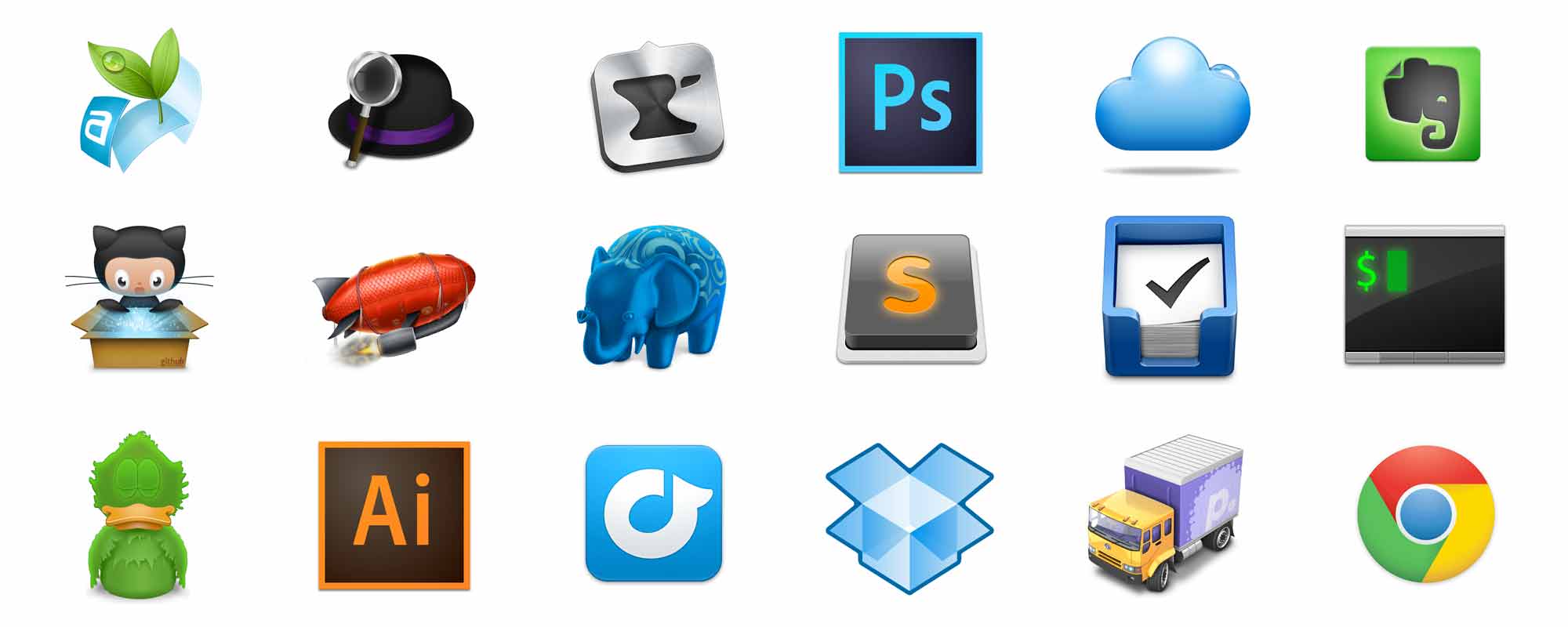
Development is what i am focusing more and learning ruby on rails to make cool running web applications. So my favourite editor is Sublime Text this is one of the best editors i have used till now . Another one is Atom this is also amazing editor and we can use it to code our backend of the web applications. I use Macbook Pro for both designing and developing the website. I also recommend to use Unix as operating system cause both Mac OS X and Unix are powerful operating system for development , don't forget the Mac OS X terminal and Unix command shell...Execute the commands and get the local server running ...
Earlier i used Windows based machine so i used Notepad++ as my editor ... i had great experience working on this editor but then developing ruby on rails web applications is quite hard on Windows based machines...You can try but its time consuming and things get quite sloppy..sometimes very sloppy ahaha...
Switching to Mac was one of my best decisions and i think i will be sticking with my Mac forever ahaha.. Another Apple fan boy ...lol... But yes the developer command line tools can be easily run in the terminal and it becomes very easy to execute commands... I Love my Mac..
For Designing : Design is more than making things pretty
As i'm a self taught web developer and designer i explore all softwares myself and also by reading experienced designer and developers blogs and by visiting their website and asking them what software they use. So for Designing i recommend to purchase Sketch for User Interface design. Also if possible purchase Creative Cloud too...Install Photoshop & Illustrator . You can get the icons from different websites and some are free while others are paid...Before starting the website design , I go through wireframe process Yes guys wireframing is very important , and for this i use normal pen and paper... Make the sketch of the website design on paper before starting it on any software...this will give you new ideas for design and you can work with some innovative designs.
So this is my design and development setup and tools which i use . I hope you can learn more about exploring each and every software . Also if you have any queries do ask me or tweet me.. Keep it up guys !!!!
Bonne Chance !!!